Continuing from the previous article, I will put it into practice. Following the course design assignment requirements for my school curriculum, I will install and test SNMP on my Rocky Linux Server.
Install SNMP
Install SNMP service and related tools.
1 | sudo dnf install net-snmp net-snmp-utils |
Edit the SNMP configuration file /etc/snmp/snmpd.conf using your preferred text editor.
1 | rocommunity public |
In this example, public is the community string, meaning any client using this string can read SNMP information.
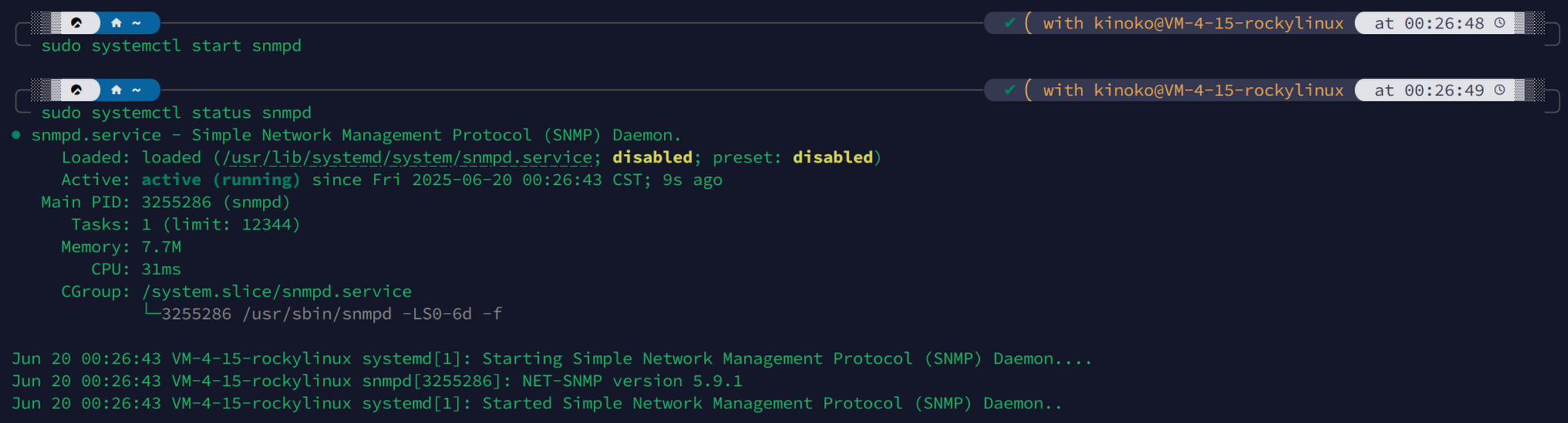
Start the SNMP agent service using systemd on Rocky Linux. Use the status command to check the SNMP service running status.
1 | sudo systemctl start snmpd |
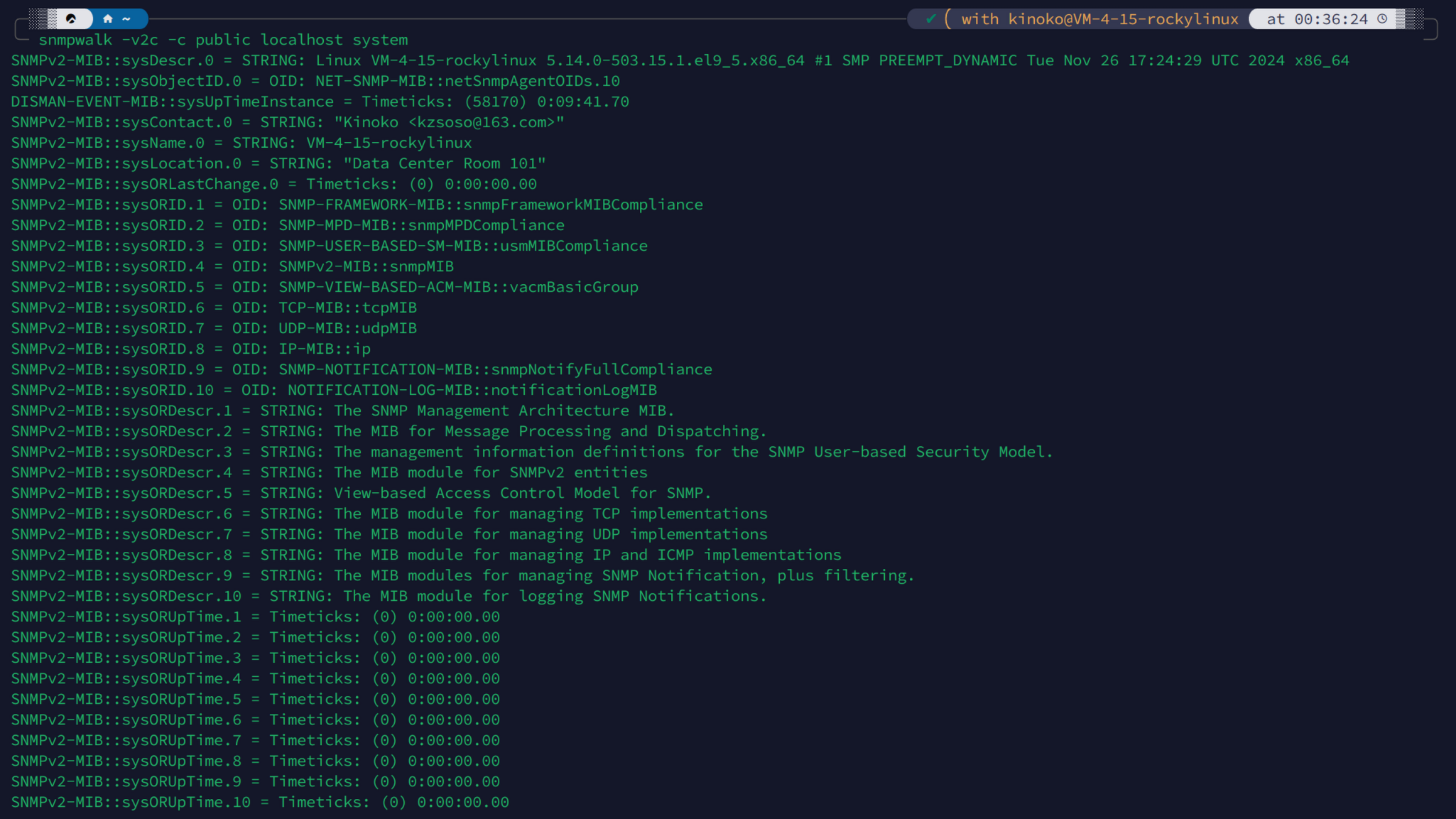
Execute the following command using SNMP version 2c with community name “public” to fetch system information from the local host. If you receive proper output, it confirms your SNMP service is running correctly.
1 | snmpwalk -v2c -c public localhost system |